View Bolsas de Golpeo de Fischvogel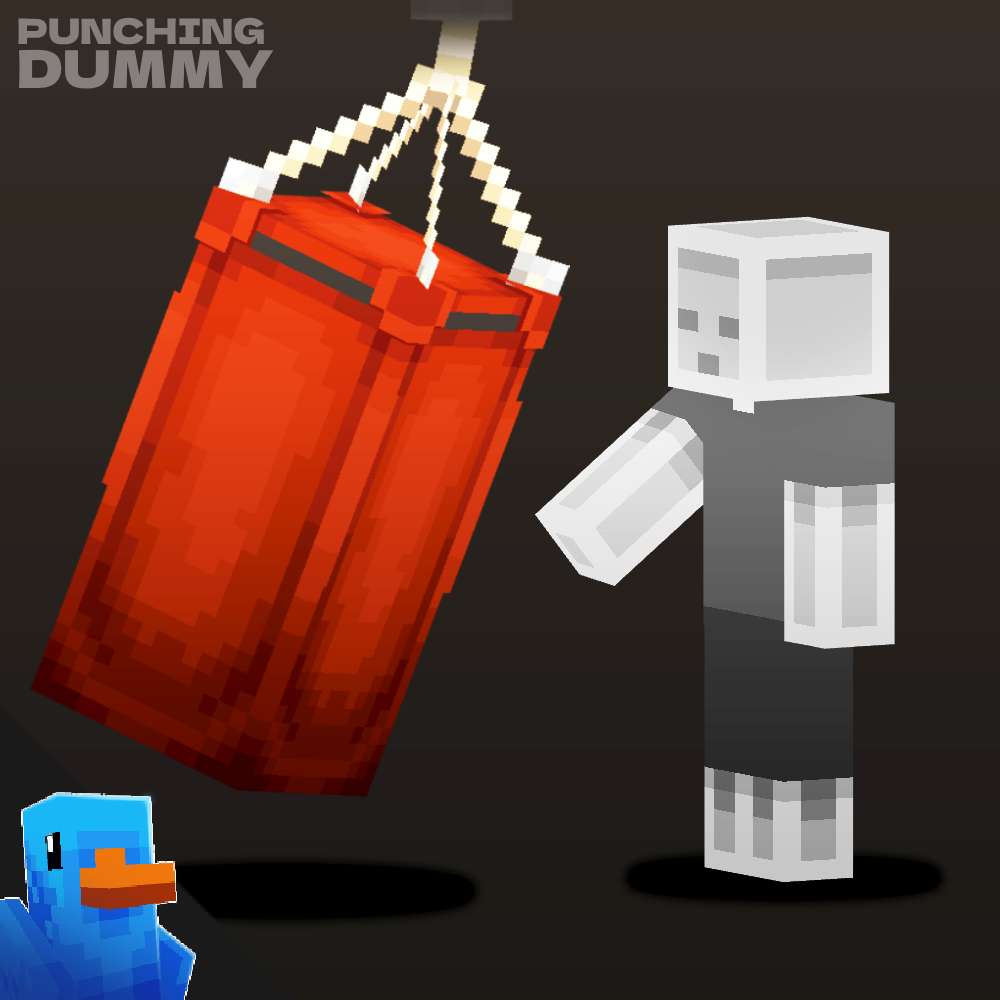
REBAJA
NEW!
Bolsas de Golpeo de Fischvogel
¡25% DE DESCUENTO!


Positivo (1)
El precio original era: $6.49.El precio actual es: $4.87.
Bolsas de Golpeo de Fischvogel
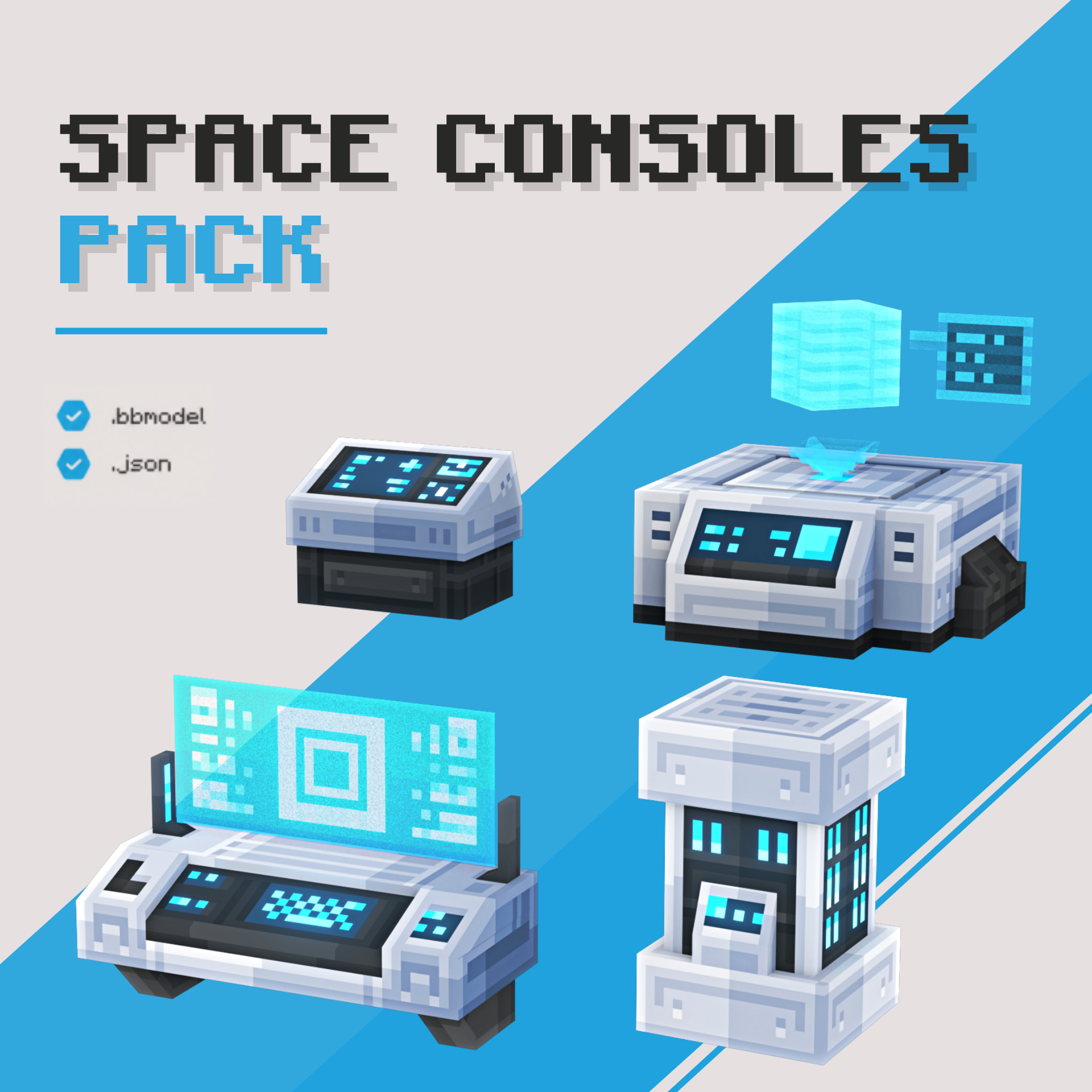
Paquete de Consolas Espaciales
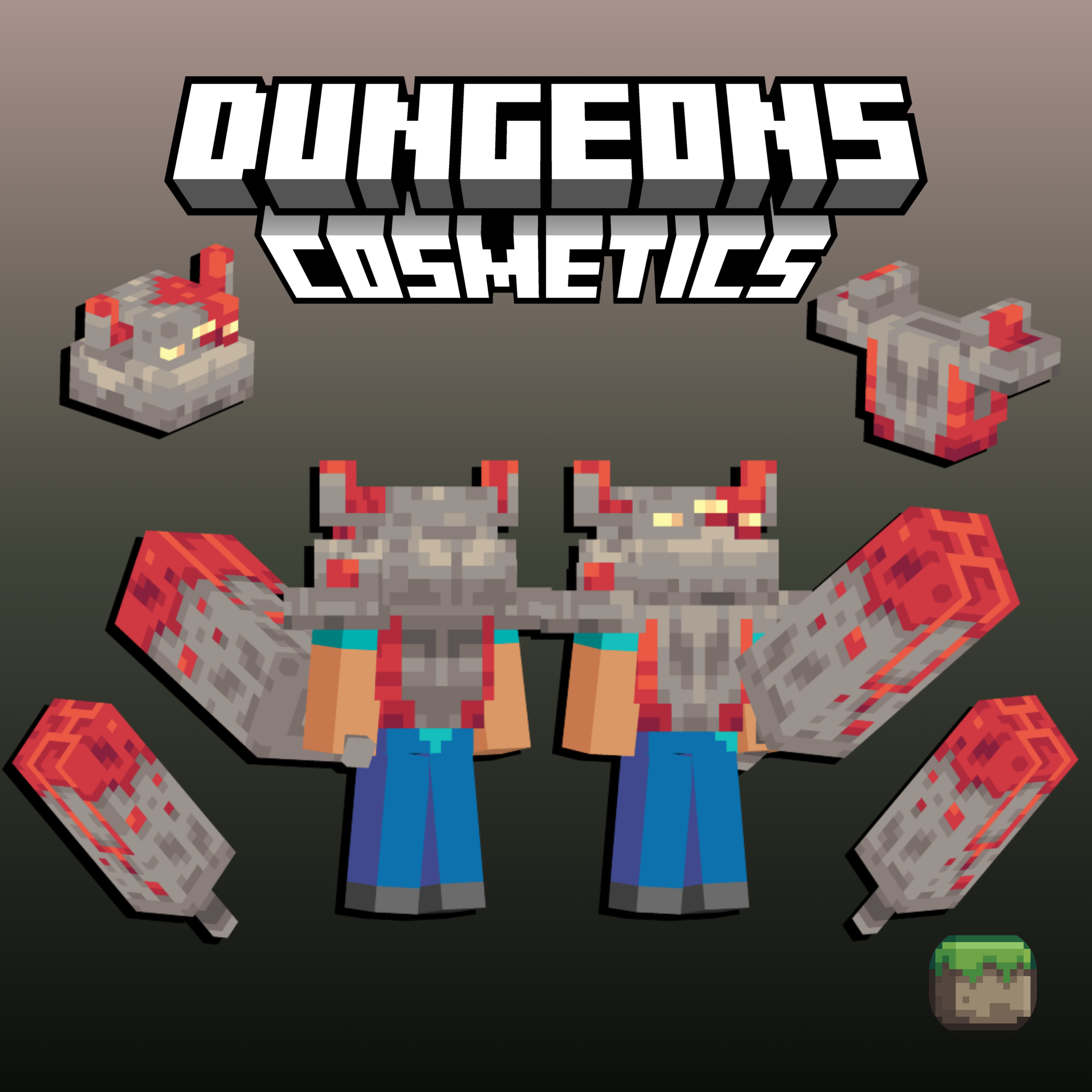
Conjunto de Monstruosidad de Redstone | Cosméticos de Mazmorras

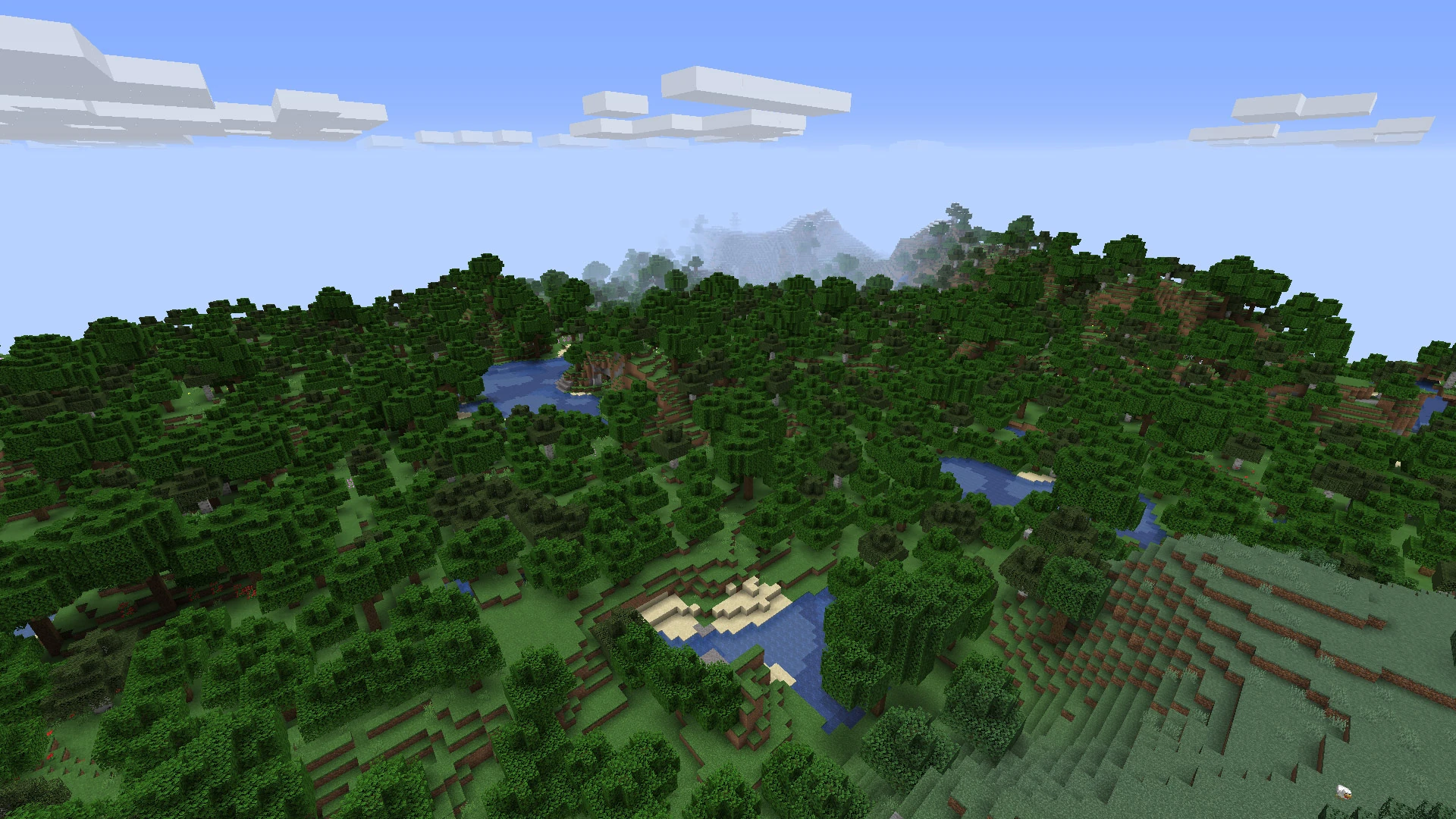
Importing worlds is quick and easy! This guide will walk you through how to import a new world onto your minecraft server.
There are several plugins that can help you import a world. The most common is Multiverse-Core, and that is what this guide will focus on.
Upload your desired world to your minecraft server. If you are using a zip file, make sure to unzip it!
Go on to your server and type /mv import {world name} {environment_type}
{world name} is the exact name of the folder you uploaded.
{environment type} is the type of world being uploaded. The most common type will be NORMAL for overworlds. Other types include FLAT , LARGEBIOMES , AMPLIFIED, NETHER, and END.
You've done it! To get to your new world, you can use /mvtp {world name}
Usamos cookies y tecnologías similares para garantizar que tengas la mejor experiencia en nuestro sitio web.