View Cosméticos Esenciales de Playa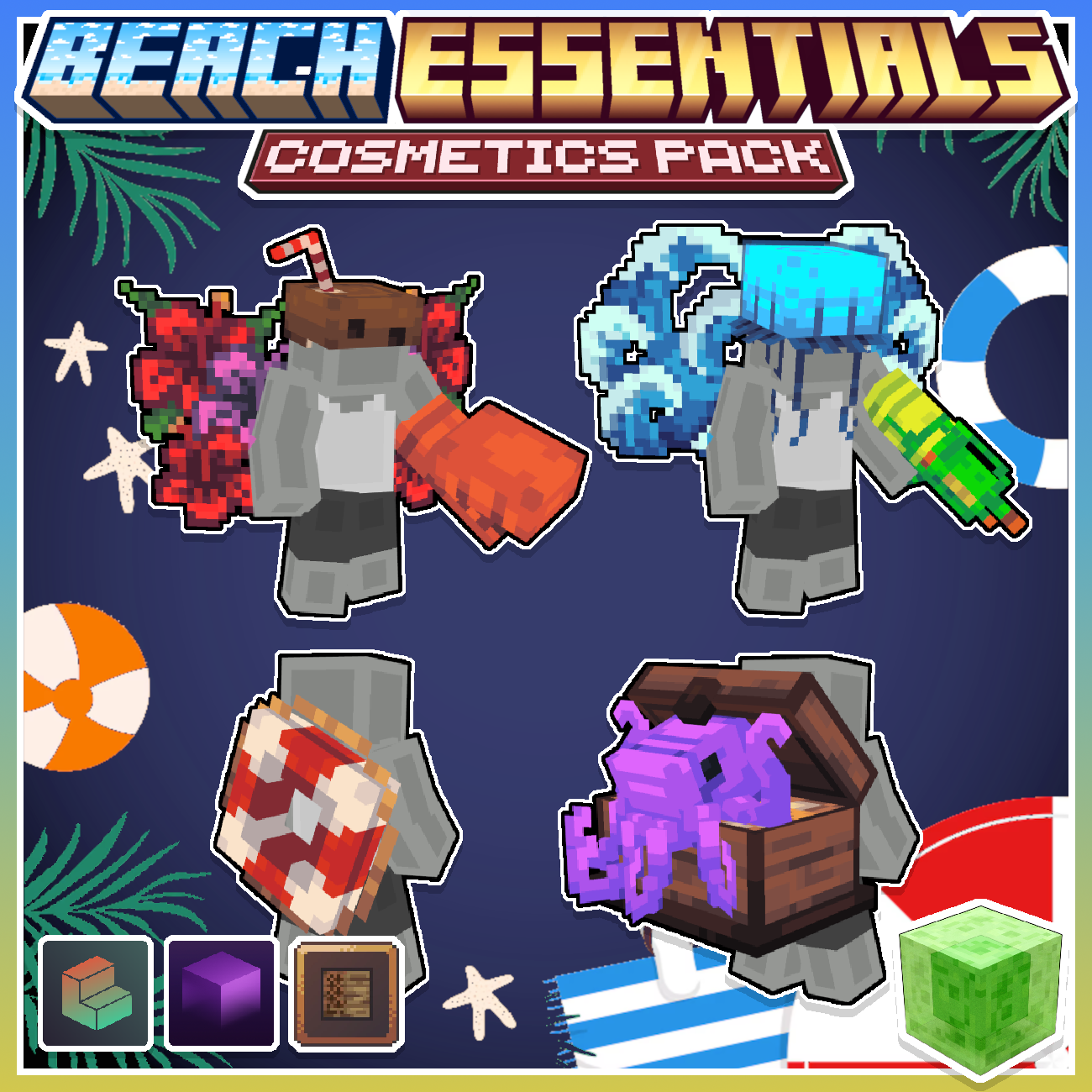



NEW!
Cosméticos Esenciales de Playa
Sin Valoración
El precio es: $10.00.
Cosméticos Esenciales de Playa
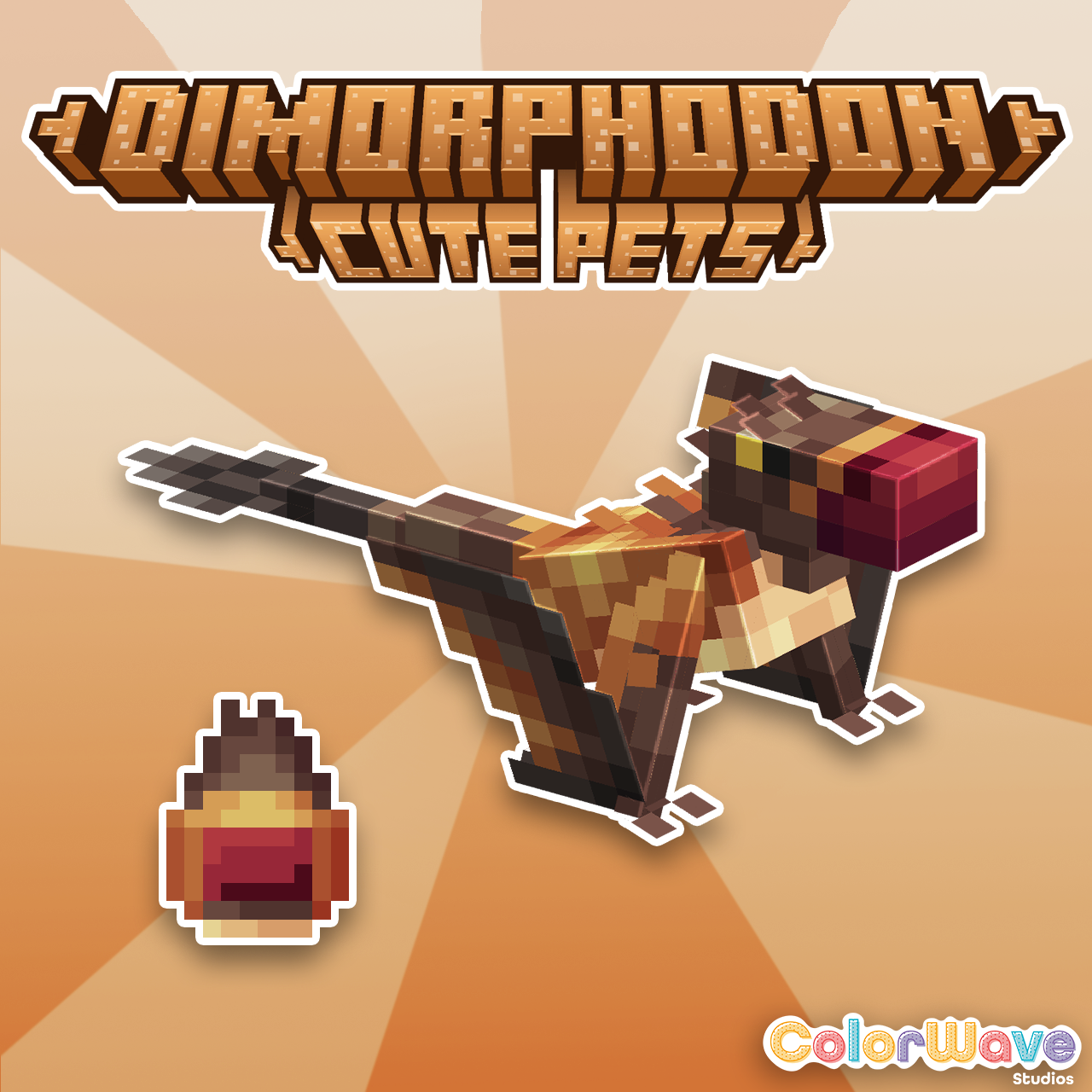
Dinosaurio Dimorphodon - Mascotas Lindas


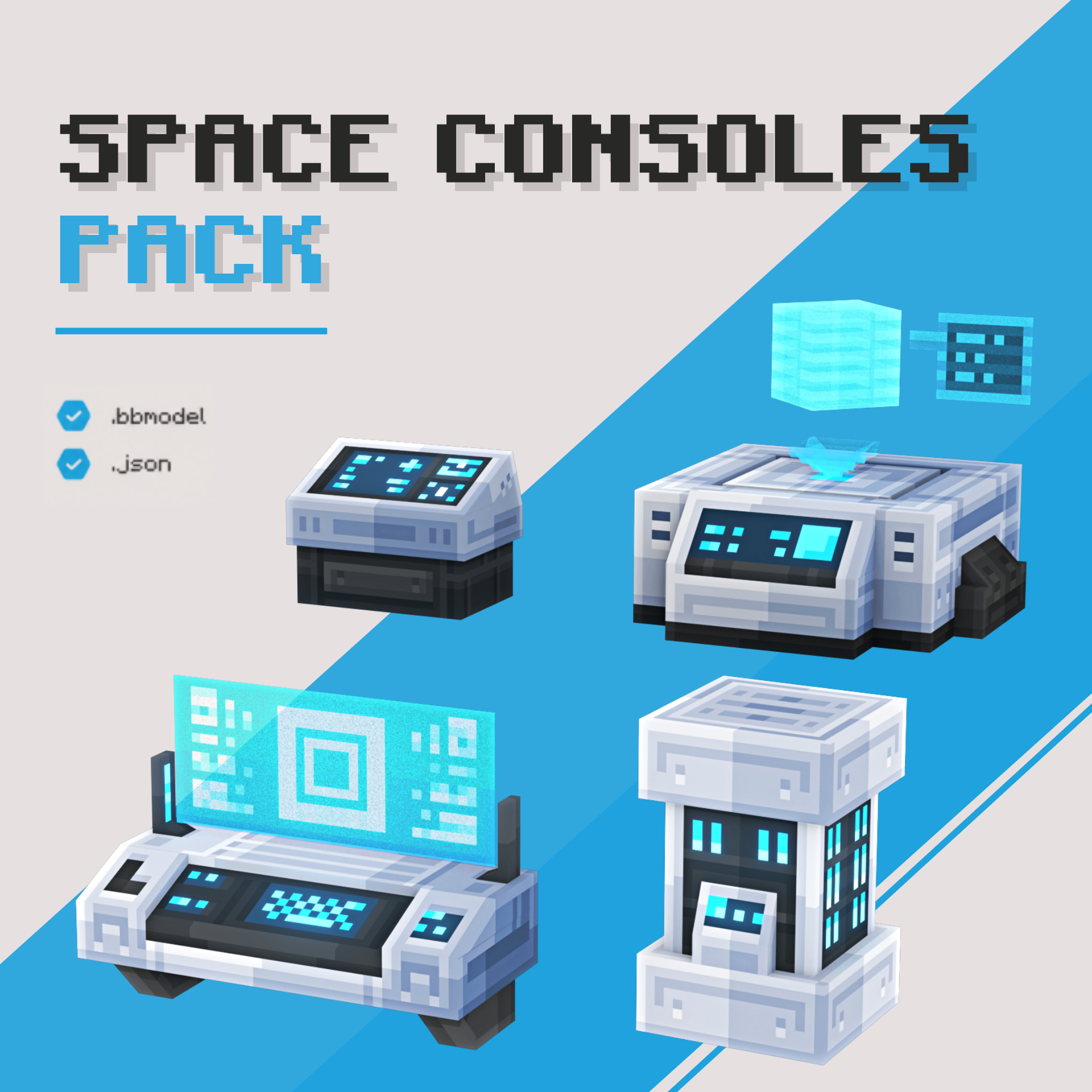
Paquete de Consolas Espaciales
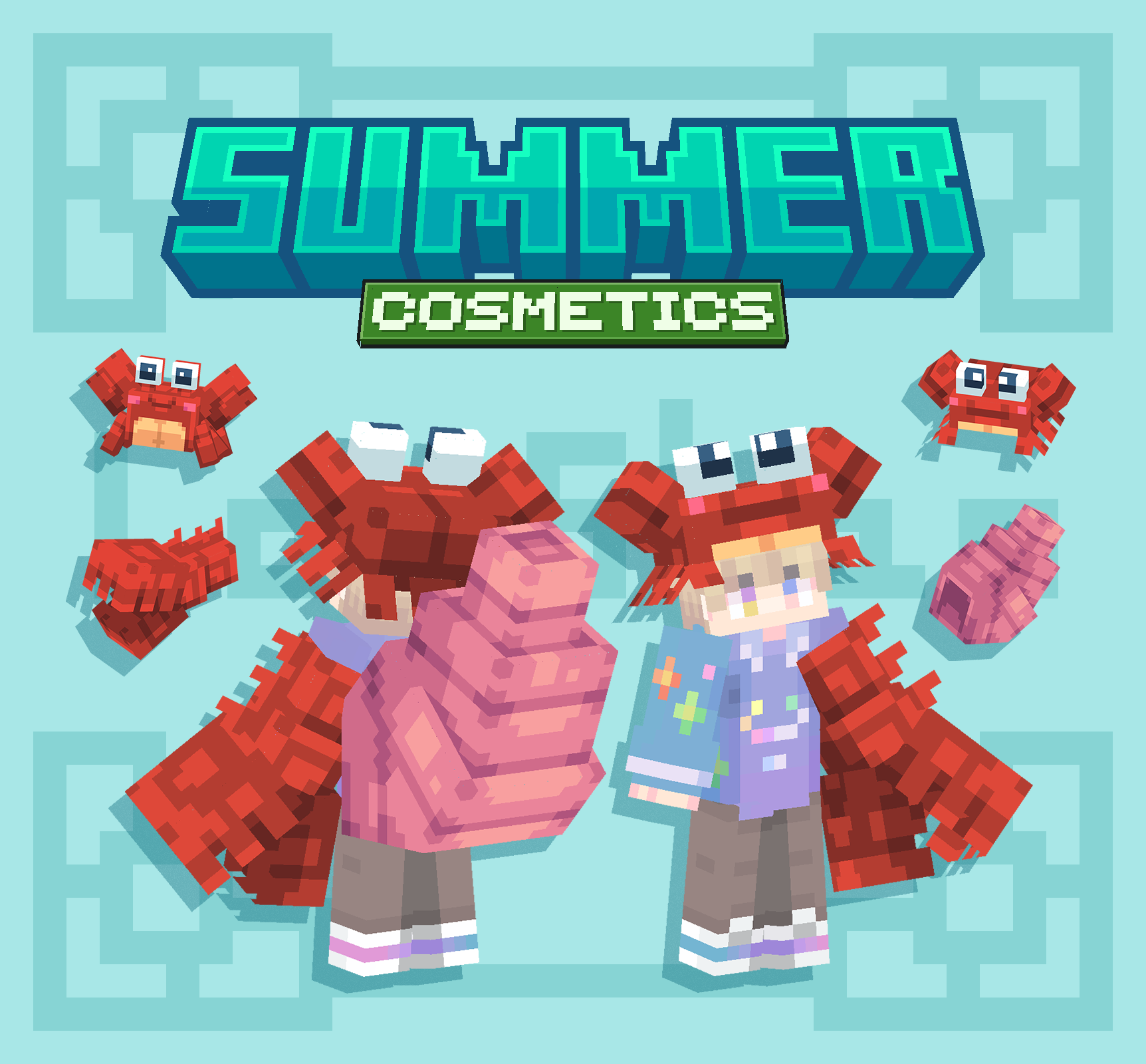
Cosméticos de Cangrejo【Tingible】
Merging new items into your pack like swords, cosmetics, furniture, or any other types of items that require the usage of a new model and texture are very simple to merge.
To start off, on below is an example of a resource pack with Furniture that you would want to merge into your existing resource pack. There will be 3 main things you need from this pack; the custom folders from both models and textures and the base item's .json file.
📁Funky Furniture RP
└── 📁assets
    ├── 📁minecraft
    ├── 📁models
    │    ├── 📁item
    │    │    └── 📑paper.json
    │    └── 📁custom
    └── 📁textures
        └── 📁custom
Once you've merged the models and textures folder from this other pack into your existing pack, you will now need to update your predicates which is what confuses most people. Inside our pack above you can see we have all our furniture on a paper item. Inside the paper.json , we will find something that looks like:
{
    "parent": "minecraft:item/generated",
    "textures": {
      "layer0": "minecraft:item/paper"
    },
      "overrides": [
          {"predicate":{"custom_model_data":1},"model":"custom/funky_chair"},
          {"predicate":{"custom_model_data":2},"model":"custom/funky_desk"},
          {"predicate":{"custom_model_data":3},"model":"custom/funky_lamp"},
          {"predicate":{"custom_model_data":4},"model":"custom/funky_computer"},
          {"predicate":{"custom_model_data":5},"model":"custom/funky_bed"},
          {"predicate":{"custom_model_data":6},"model":"custom/funky_nightstand"},
          {"predicate":{"custom_model_data":7},"model":"custom/funky_sofa"},
          {"predicate":{"custom_model_data":8},"model":"custom/funky_table"},
          {"predicate":{"custom_model_data":9},"model":"custom/funky_cabinet"}
        ]
  }
All you have to do is copy and paste every predicate line over into the same file (in this case, paper.json) in your existing pack. The final result will look like the example below. Make sure that after every line, you include a comma, except the very last predicate entry.
{
    "parent": "minecraft:item/generated",
    "textures": {
      "layer0": "minecraft:item/paper"
    },
      "overrides": [
          {"predicate":{"custom_model_data":1},"model":"my_server/cowboy_hat"},
          {"predicate":{"custom_model_data":2},"model":"my_server/fairy_wand"},
          {"predicate":{"custom_model_data":3},"model":"my_server/cup"},
          {"predicate":{"custom_model_data":4},"model":"my_server/cheese"},
          {"predicate":{"custom_model_data":5},"model":"my_server/shelf"},
          {"predicate":{"custom_model_data":6},"model":"my_server/phone"},
          {"predicate":{"custom_model_data":7},"model":"my_server/mouse"},
          {"predicate":{"custom_model_data":8},"model":"my_server/keyboard"},
          {"predicate":{"custom_model_data":9},"model":"my_server/basket"},
          {"predicate":{"custom_model_data":10},"model":"custom/funky_chair"},
          {"predicate":{"custom_model_data":11},"model":"custom/funky_desk"},
          {"predicate":{"custom_model_data":12},"model":"custom/funky_lamp"},
          {"predicate":{"custom_model_data":13},"model":"custom/funky_computer"},
          {"predicate":{"custom_model_data":14},"model":"custom/funky_bed"},
          {"predicate":{"custom_model_data":15},"model":"custom/funky_nightstand"},
          {"predicate":{"custom_model_data":16},"model":"custom/funky_sofa"},
          {"predicate":{"custom_model_data":17},"model":"custom/funky_table"},
          {"predicate":{"custom_model_data":18},"model":"custom/funky_cabinet"}
        ]
      }
After you've merged the predicates you're all set, go ahead and give yourself the item and check it out in game!
Usamos cookies y tecnologías similares para asegurarnos de que tengas la mejor experiencia en nuestro sitio.